
Kindle for Android: Making Kindle Ownership That Much Sweeter

Price: Free
Get It: Yes if you like reading, definitely if you own a Kindle.
Hello, I’m known as CraftLass and I am a Droid accessory addict. I have the dock, a spare battery, an external charger, so many charging cables I can’t even figure out where one of them came from, and even a car charger despite the fact that I don’t own a car. I would have the car dock if I did, of course. I may get it anyway for when I rent cars or ride along on road trips, it’s pretty darn cool.
I got a Kindle for my birthday this past July. I already had downloaded Kindle for Android and liked it, even though I had only downloaded a couple of public domain books and samples to try it out. When I set up my Kindle those appeared in my “Archived Items” and I was already impressed. I downloaded my first e-book purchase and started reading. A few days later I was out with only my Droid and wanted something to read so I opened the Kindle app. It synced right up, I downloaded my new book, and next thing you know, I was reading the same page I’d been on. Just like that.
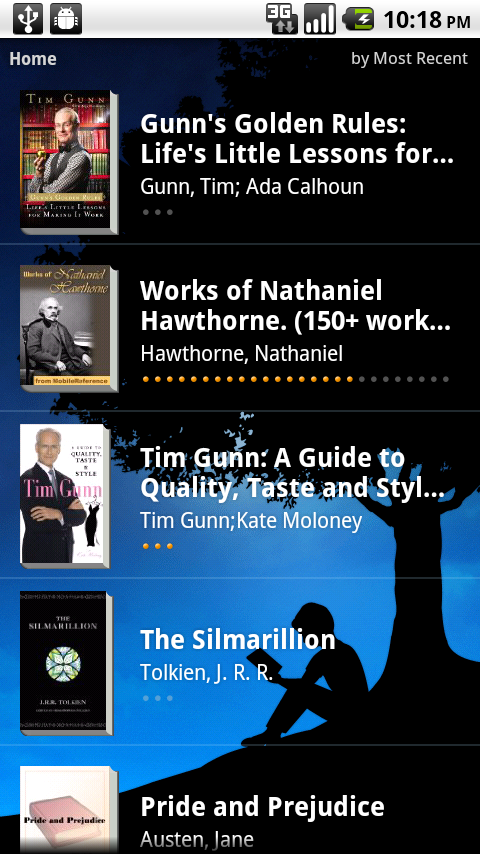
The homescreen for Kindle for Android showing the books I've downloaded to my Droid.
The tables have turned and the Droid has become an accessory to another device.
Now, I’m not madly in love with the app. I would really like more Kindle features, like highlighting, notes, and collections integrated into it and would pay for them, even. However, I don’t carry my Kindle unless I expect a wait or a longish train ride or something, so what matters most is I can read my books anytime, anywhere.
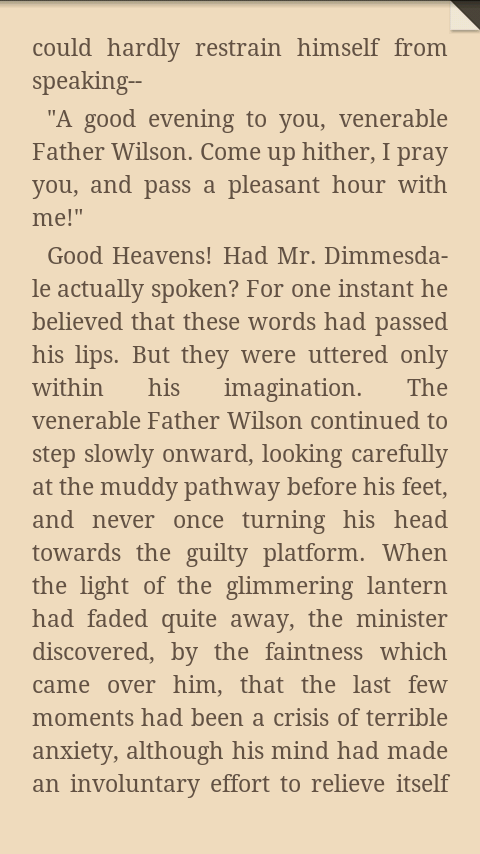
A page in a book in Kindle for Android in sepia tone at darkest brightness setting. Notice the dog-ear in the upper-right, it shows the page is bookmarked.
The best feature is the orientation lock, especially since I got Froyo and the screen flips to landscape in both directions. See, I’ve found that my Droid at lowest brightness in black tone is a lot dimmer than reading lights with the Kindle (or an actual paper book), so if I want to read in bed without waking my boyfriend it’s best to use the Droid while lying on my right side. If I don’t lock it into portrait the text is sideways to me.Reading is intuitive, just flick from left to right for the next page and right to left for the previous one. View options are accessed via the menu and include text size, color schemes, and brightness. The “Go To” menu option lets you go to various locations in the book, including typing in the numerical location. This is also where it’s nice to have a Kindle, you may not be able to add notes in Android but you can access the ones you have created.
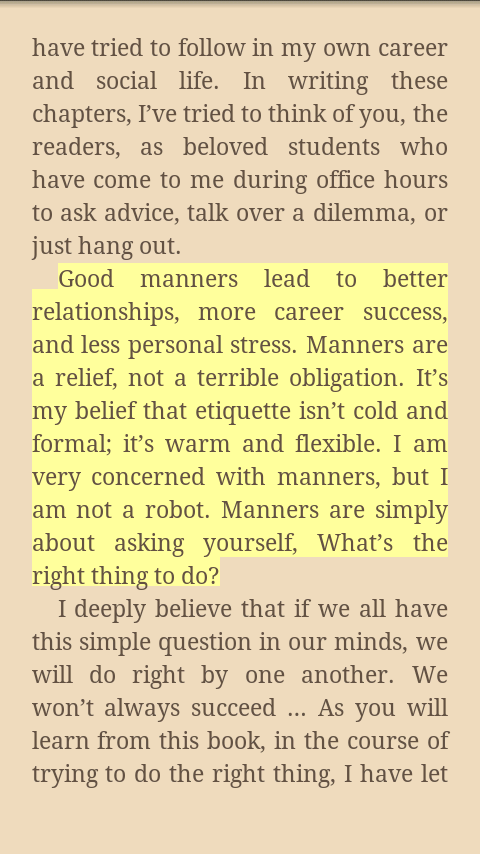
A highlighted passage.
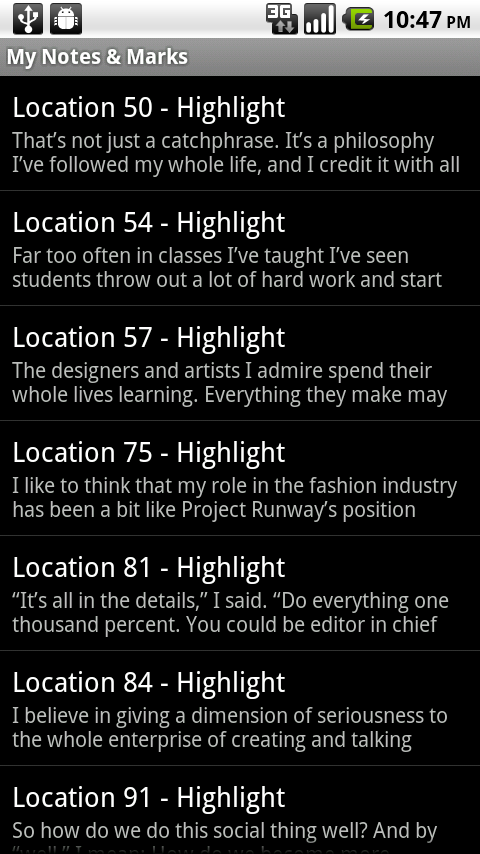
All the highlights, notes, and bookmarks you have created are easily accessed.
Shopping is, of course, dangerously easy, just as it is on the Kindle itself. A click on the “Kindle Store” button in the menu on the homescreen will take you right to the Kindle mobile store where you can browse or search for what you want and buy it in just a few clicks. If you download a book through the app you just go into “Archived Items” on your Kindle and it will download and sync, it works exactly the same in both directions.
N.B.: I have to look into if this is okay or may hurt the battery lifespan, but I found that my Kindle charger works on my Droid and vice-versa. The cables also work fine as USBs for both. This could be very handy for traveling! If you know anything about the safety of doing this, please let us know in the comments.
Note from Renee: If you buy a Kindle, accessories, or eBooks using this link



