
Adobe Reader for Android

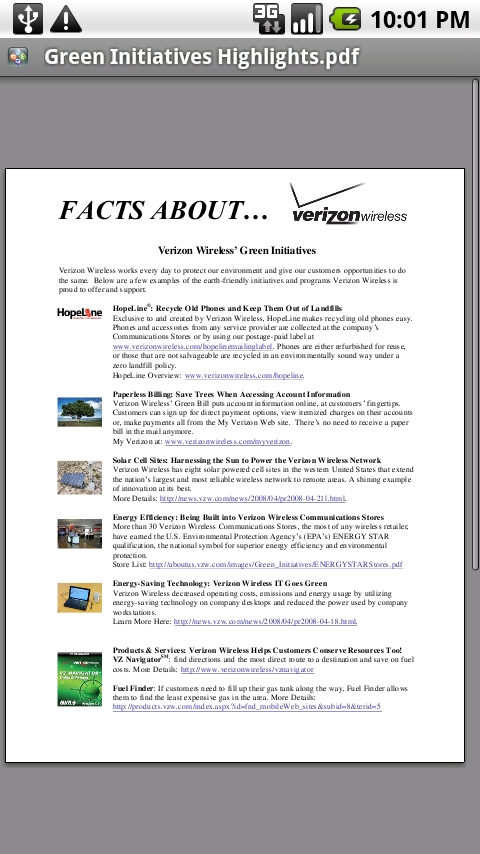
Adobe recently announced that they released a Reader PDF-viewer app for Android. Of course, Droid phones could already view PDF files with the QuickOffice viewer (or other PDF apps):
 |
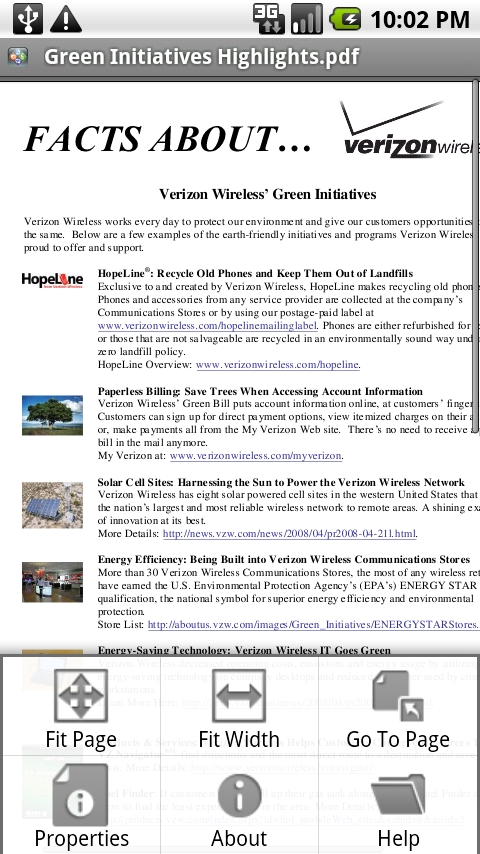 |
The QuickOffice viewer’s menu makes it easy to fit the document to the screen and to jump to any page. However, I find myself wanting to zoom in often (because it’s hard to read a whole page of text on a small screen) and QuickOffice doesn’t make use of the Droid’s pinch-to-zoom functionality.
 |
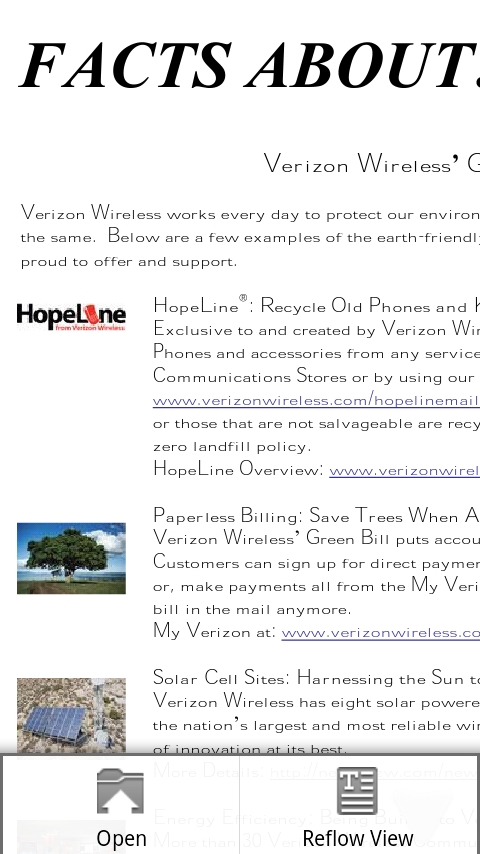 |
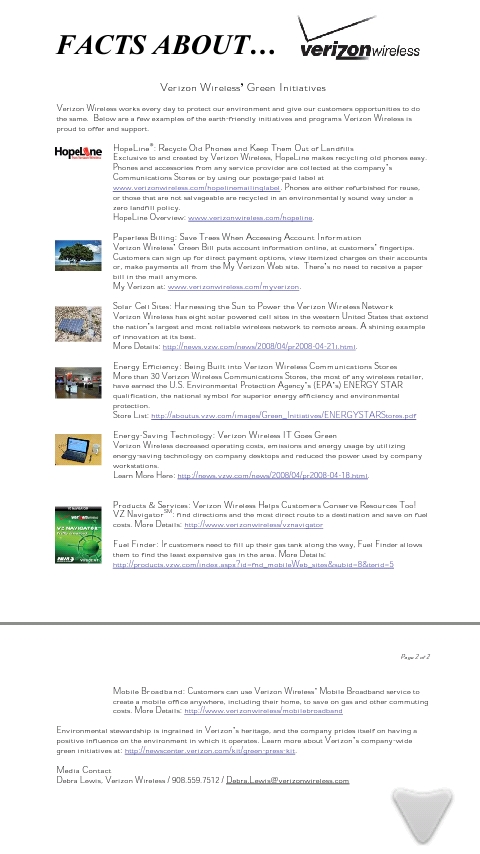
Adobe Reader for Android gives a full-screen view of the document, and also makes zooming easy. Whether you want to double-tap to zoom or pinch-to-zoom, you can easily enlarge the page. They also have a”Reflow View”, which appears to separate the images out of the text and enlarge the font size for easier reading.
You can flick or drag the pages to scroll up and down. However, I didn’t see an easy way to jump to a later page by number.
The Reader app brings up your recently viewed PDFs for easy access when you start it from the menu, and skips this screen when you download and open a PDF from a browser link (which I had to type into my phone browser – side note: I can’t wait for Android 2.2’s Chrome to Phone extension!).
Overall, I would say that unless you need to read PDFs often, the QuickOffice viewer is good enough, but if you want additional zooming capabilities, try Adobe Reader!




I was able to view PDFs before Adobe released this app. I didn’t have any special apps on my phone or anything, they just worked!
Yes, the built-in reader is the QuickOffice reader I mentioned. That’s why I said you really only need to download Adobe Reader if you want the advanced zoom features, our phones can already open PDFs so it’s not really a necessity – like the many browser apps that are out there! 🙂
Does the Adobe reader allow you to save and re-open PDFs without downloading them again?
I haven’t been able to do this with QuickOffice (seems to not be a program you can open – just comes up when you download a PDF). I’ve been meaning to message you that I found a solution by getting the Astro File Manager app and this seemed like a good opportunity.
Well I noticed when I ran Adobe Reader a 2nd time, it had a list of my recently-opened files, so yes I could open it again, but I didn’t notice a “Save As” feature where I could specify where to put the file – I guess it’s probably in some default downloads folder.