
App Review: DropSnap

DropBox is a file-syncing service that automatically uploads files from specified folders on a computer or device to the Dropbox servers, making your synced files available to any computer via the web or installed DropBox folder. If you don’t already use DropBox on your computer, I highly recommend checking it out: referral link. There is also an official DropBox app for Android.
I already have and use DropBox and was excited to hear about the relatively new Android app called DropSnap. It is supposed to automatically sync photos from your Android device to your DropBox account at specified intervals or when you take a picture. As someone who takes a lot of photos on my Droid and either shares them right away on Twitter then forgets about them, or transfers them en masse via USB or email, I was happy to see another solution for managing the pics on my phone.
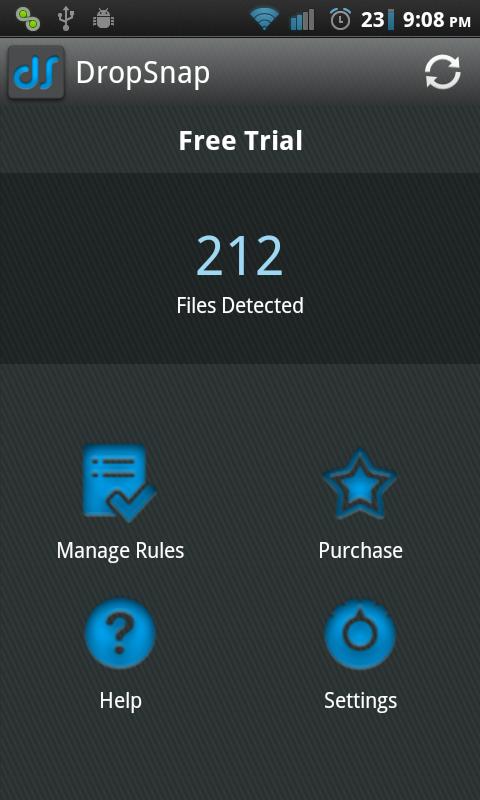
I installed DropSnap from the Android Market and logged into my DropBox account via the app, changed one setting, and within minutes, my DropBox folder on my laptop was starting to fill up with photos from my phone! So simple.
The only problem I had was that the setting wasn’t super-intuitive. When you click on “Manage Rules” and set the Default rule, you have to click the button on top to navigate to the camera folder on your phone (for me, it was /DCIM/Camera), then click the button on the bottom to select the DropBox folder you would like the pictures to sync to. Some simple instructions on this screen would make first-time use less puzzling.
As I understand it, the free trial allows auto-syncing for 3 days, then you have to manually open the app to synchronize or upgrade to the paid Premium version, which currently costs $3.99. The premium version also specifies that it can auto-upload videos, but I have not tried that function yet.
If you’re a DropBox user, DropSync is a must-have Android app!



The Women With Droids Wordpress theme is from ElegantThemes!



DropSpace is free & sounds like it does the same thing.