

On the Move? Car Home

Posted by
Liz in
Accessories, Android Apps, For Beginners, Travel Series, Utilities on
Jun 7th, 2010 |
one response
Ladies and Gentlemen of the Android Community, I have a confession to make:
I am a Capital Beltway driver.
Those of you who understand what I mean are probably nodding or wincing. For those who do not, let me explain. The Washington, D.C. Capital Beltway was ranked #3 in The Daily Beast’s “America’s 75 Worst Commutes” and I drive a portion of it as part of my trip to work on a daily basis. I, like most of my compatriots in driving, would LOVE to find a way to make it through this experience without exploding from frustration at the delays, congestion, and “surprise” roadwork.
Enter the Android Car Home mode:

The Car Home mode is accessible in two ways. First, you can navigate to it as with any other application through the Applications menu. However, Androids have another nifty feature. If you own an Android-compatible dock (such as the Droid Window Mount in our Affiliate Store) for your car, just pop your device in and it automatically goes into the Car Home screen!
My two highest-use items while commuting are the “View Maps” and “Navigation” options. View Map is a tie-in to Google Maps, and will take you to the last map you pulled up. Hitting the Menu button and selecting “My Location” will center the map on where you are located. To see the traffic surrounding you, hit Menu again, and select Layers. The Layers available are the same as the options on the Google Maps website, which is very helpful! I tend to keep the Traffic layer turned on at all times (see start of article for why), but Satellite is pretty fun to look at. Just keep in mind that due to the detail the Satellite layer is portraying, it can be very slow to load! Layers are also helpful if you’re looking for various necessities in your travel area such as parking, gas stations, and restaurants!
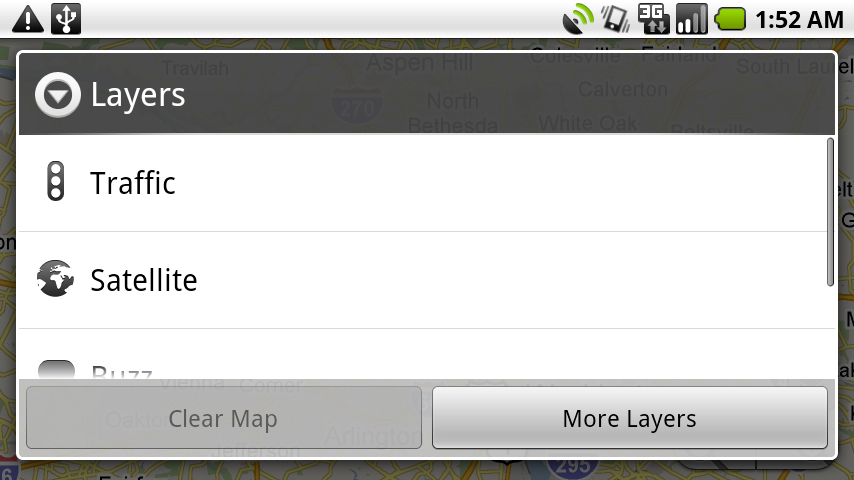
Navigation is exactly what it sounds like – it turns your Android phone into a navigator! Those of you with GPS may not find this impressive, as the screen for a GPS is a bit larger than a phone. However, I never felt the extreme urge to invest in a GPS. I have always been happy to look up my directions on Google Maps. Navigation brings those directions straight to my phone, providing turn-by-turn real-time directions with the same layer options as the Maps app. Navigation treats the Traffic layer slightly differently as it will zoom out to display traffic over the whole travel route for your trip rather than the immediate area.
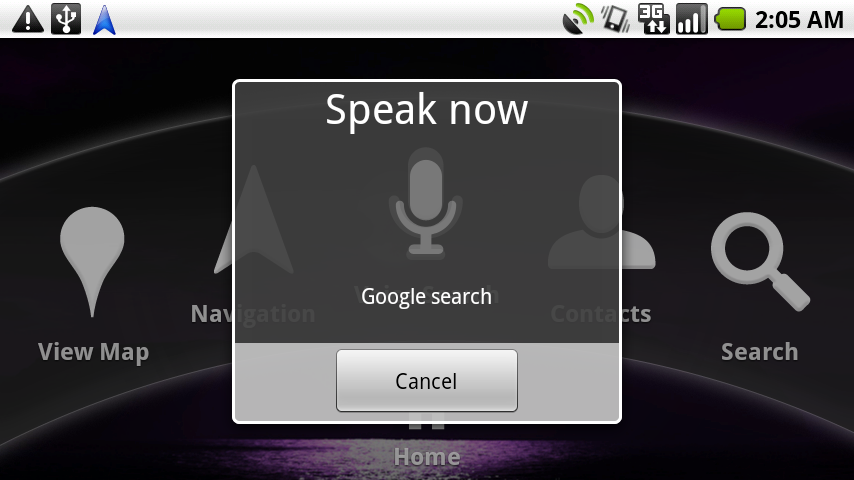
The final Car Home feature I am highlighting is the Voice Search. I feel this app is understated in its utility, especially in a driving situation. Punching names and addresses into your phone while driving is hazardous at best, and life-threatening at worst! Voice Search will save you that trouble. It doesn’t remove all needs for button punching – for example, if you’re calling someone, you still need to select the number to call on the screen, but it significantly reduces the distraction. Pair with a Bluetooth Headset or Speaker, and you are much closer to complying with any hands-free laws your locality may have!
Are there any apps you use to make it through the daily commute? Share in the comments!




I love the free app called TRAFFIC. It works with the Droid map. They use data from users to estimate highway speeds. Also, uses info from police reports on accidents and seems to have updated construction information.
It’s not yet failed me in a major metropolitan area.