
Droid Dock: Necessary or Just Really, Really Cool?

Price: $29.99 MSRP
Get It: Highly recommended, especially for people who travel or anyone who wants to ditch their alarm clock
I have never regretted that decision!
 Motorola Droid Dock on Amazon.com |
The dock usually sits on my bedside table, where an alarm clock used to take up a whole lot more room. It comes with a long charging cord (this one is not a USB cable with wall wart, it’s just a regular power cord with hard-wired wart that is just as slim as the one that came with the Droid) so you don’t have to have it right next to an outlet and can even cleverly hide it if you are the sort who doesn’t like the look of cables running everywhere. In fact, the small size of the dock itself means it will look nice in pretty much any decor (especially modern) or at least won’t be intrusive (even in, say, shabby chic rooms). It looks like there are some newer models on the market now but I think they all live up to the same praise on design.
The most practical value of the dock is I now wake up with a fully-charged phone every morning. I used to leave the phone off the charging cord because I liked keeping it bedside and none of my outlets were close enough with the included cable. As I also have a spare battery and external charger this means I start the day with 2 full batteries so I can go all day without needing fresh juice even with extreme usage. After all, what use is a smartphone if it doesn’t have power?
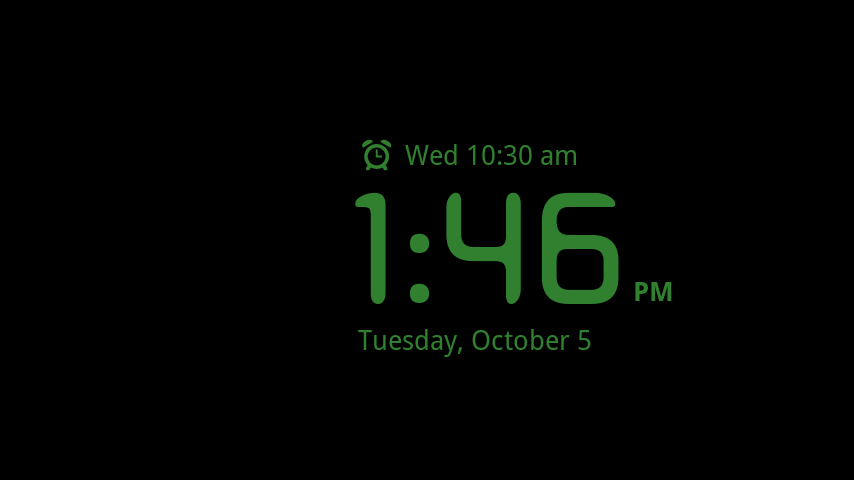
The main screen that pops up when the Droid is docked is simple and looks great. It used to have a decorative background of it’s own but since Froyo it uses your wallpaper instead, which I love. If you leave it idle for a few minutes the screen will turn black with a simple green display of the time, date, and next alarm that pops around the screen, acting as a screensaver. One tap anywhere will bring it back to the dock screen.
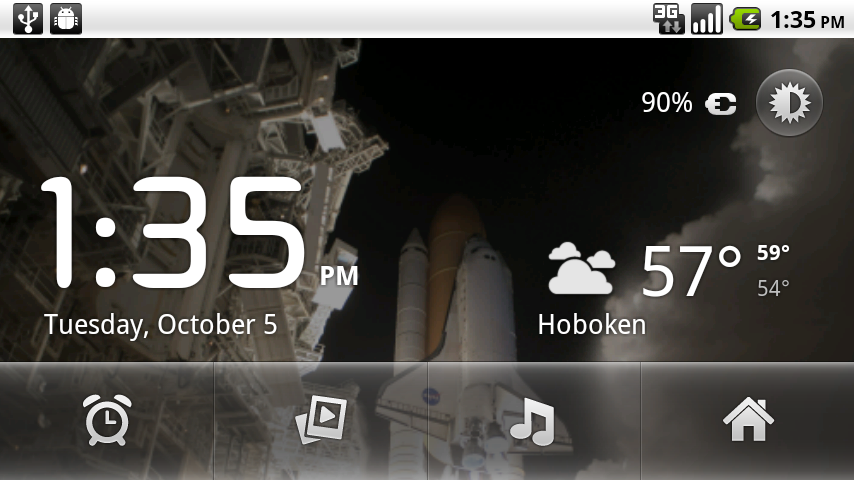
The main screen while my Droid is docked. (The picture is space shuttle Discovery launching last April, my first in-person launch, and it's wonderful to wake up to a favorite memory!).
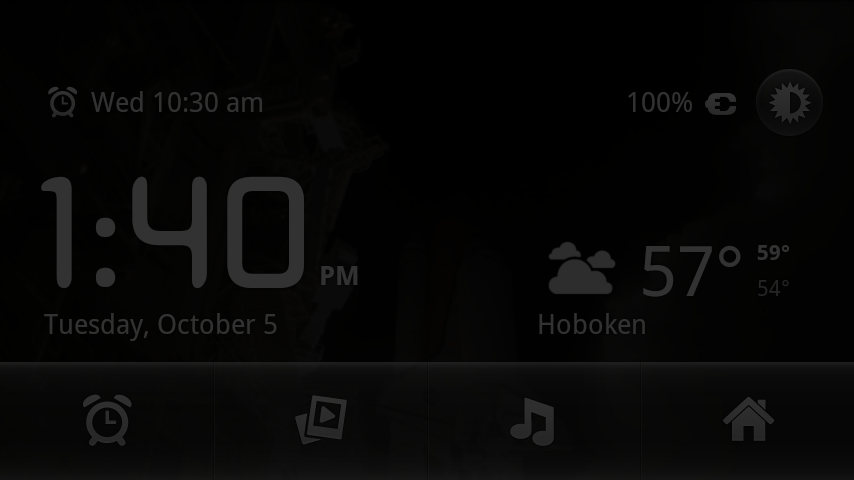
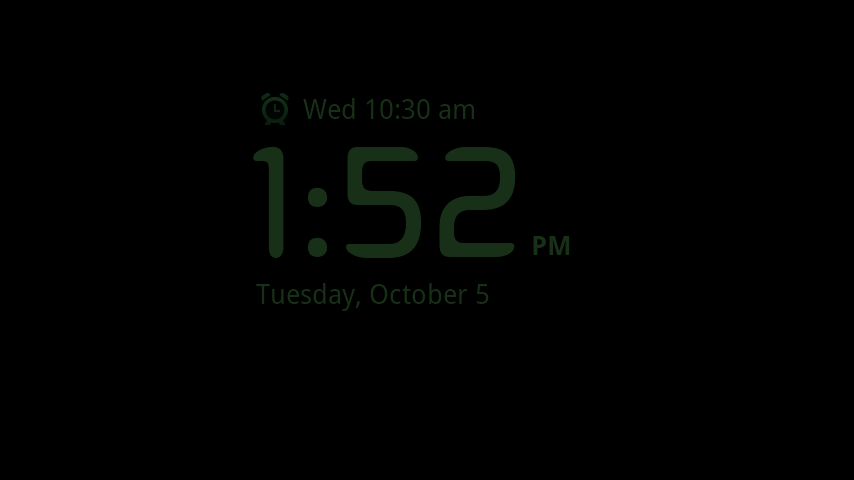
Dim mode keeps your room dark yet all the information you need quite visible.
On this screen you can see when your alarm is set for, the current time and date, charge amount, and the weather. The weather report seems to change according to what apps you have loaded, I used to have Accuweather and it used that but it currently uses the included Weather Channel and if you tap the report it will take you into the full app for more information. The status bar remains on top for convenience. The little button next to the charge indicatior dims the screen and removes the status bar, great for keeping a dark room dark (this also affects the screensaver mode, it will be much darker). A second tap anywhere on the screen will bring it back to bright mode.
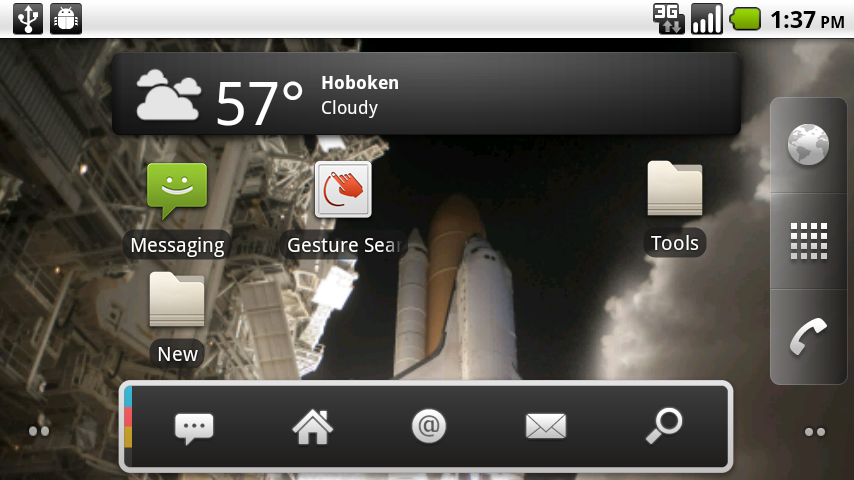
My main homescreen in landscape mode in the dock.
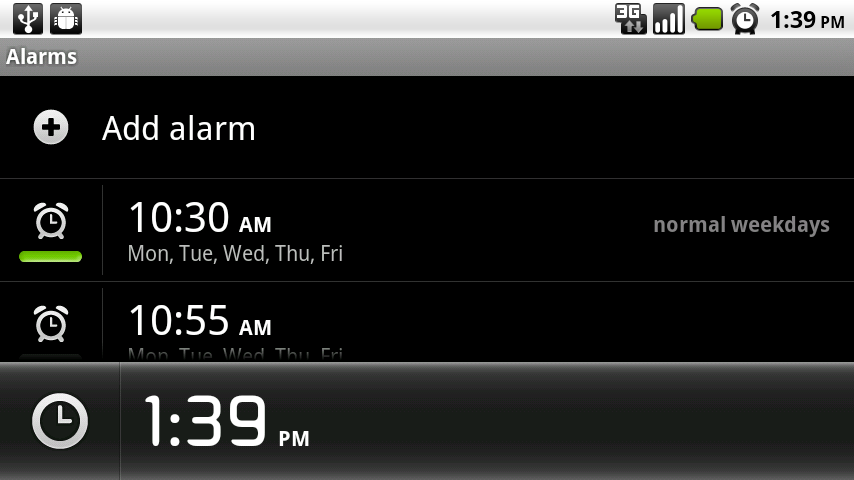
The buttons across the bottom take you into apps. From left to right, the first button will let you set the default included alarm, the second starts a random slideshow of all pictures on your SD card, the third takes you into Music, and the fourth takes you to your normal homescreen (which will be in landscape mode but otherwise the same as usual). I have been known to check my email, Twitter, missed calls, etc. while lying in bed with Droid in the dock, turning lazy time into somewhat-productive time (although you wouldn’t want to type anything without pulling it off and using it like normal).
As I type I have the dock plugged into the USB on my computer, a slideshow going, and Tchaikovsky playing through the speaker. It’s not a bad little office setup!
Which brings up another perk of the dock: It’s easy to carry. I’ve been known to throw it right in a not-so-big purse. It makes your Droid a top-of-the-line travel alarm and mini-multimedia center. Viewing videos is so much nicer when you don’t have to hold the phone up and it’s wonderful to see pictures of family and friends from home when you’re away. Since the dock has the same micro-USB jack as the Droid itself you can just pack the original power/USB cable if length is not a concern, saving a bit of room. The solid construction becomes critical for travel, too, it fares just fine in a bag and other hassles. The position of the headphone jack (upper left side) and volume control makes them very easy to access.
Do you need the dock? Well, maybe it is a bit of a luxury, but it’s the sort of luxury you will become dependent on and thus well worth the price. If I am away for more than a day I always take it and am not looking forward to the prospect that I may someday have a phone that doesn’t have one. After all, how many accessories are just as handy when you’re asleep as when you’re awake?
Manufacturers, take heed.
-
- My main homescreen in landscape mode in the dock.
-
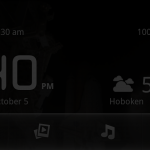
- Dim mode keeps your room dark yet all the information you need quite visible.
-
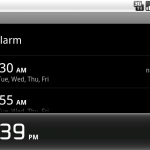
- The alarm button takes you right into the normal Clock alarm-setting mode.
-
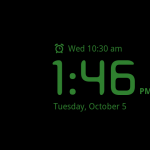
- This acts as a screensaver when the Droid is idle for a few minutes
-
- Dimmed mode also works on the screensaver, adding the most minimal amount of light only to the room.





I bought the dock the same day I got my Droid and loved it from the first time I plugged it in. It is perfect for when we travel. I just wish my Droid X worked in it too. lol
All of my friends that I pursuaded into getting a Droid also got the dock.
I recently bought a Droid X, and one of the accessories I purchased with it was the dock. It will be traveling with me. The only problem is that I have to take my phone out of its hard case before I can place it on the dock. Beyond that, it makes it very handy to have and use!
I bought my dock the same day I got my Droid. My favorite feature is that it wakes me up everyday. I wake up to Queen, and haven’t overslept once. I like all the other features too, but that is the best one, and was worth every penny.